




The campaign photographs are finished. Now the ecommerce team wants a short video, while the store team is still deciding how the window should feel. Neither request necessarily calls for another full shoot. Sometimes the missing piece is a moving visual that helps introduce an idea or gives existing creative material another use.
Kling 4.0 AI Video Generator on JXP gives retailers a way to explore those smaller video jobs. It supports text-based creation, visual references and keyframes for guiding selected moments. The current studio offers clips from 3 to 30 seconds at 720p or 1080p, with several frame shapes available.

That makes it worth considering for campaign work that needs movement but does not need to prove how a physical product performs. Three uses are especially easy to understand: an opening teaser, an animated campaign idea and a moving sketch of a shop window.
1. Introduce a campaign before showing the collection
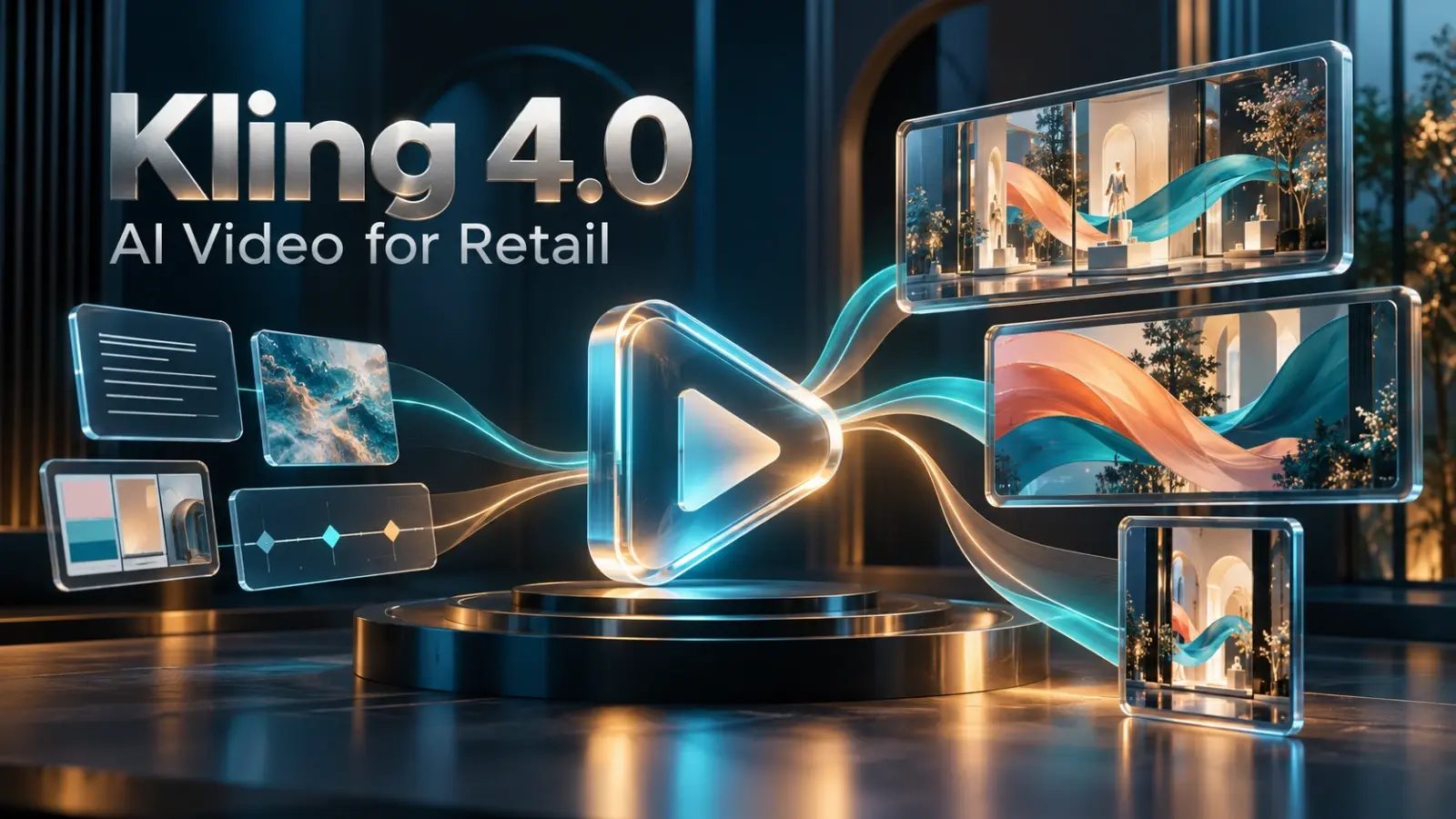
A launch teaser can establish the campaign’s mood before the main product footage begins. It might use moving colour, an imagined setting or a simple reveal. The generated scene does not have to carry the full sales message. It can give the audience a visual opening, then hand over to real products and the offer.
For a seasonal campaign, a team might ask for coral and teal ribbons moving through a softly lit display space. The palette connects with the campaign artwork, while the movement makes the short introduction feel different from a still poster. This is an illustrative idea to try, not a tested result.
Text to Video is a straightforward starting point when the scene exists only as a description. Explain the setting and the main action in ordinary words. If the request reads like a whole television advert, reduce it to the opening moment you actually need.
A teaser earns its place when it leads naturally into the rest of the content. There is little value in a dramatic opening that has nothing to do with the collection. Let the creative idea point towards the campaign rather than compete with it.
2. Give existing campaign artwork a moving version
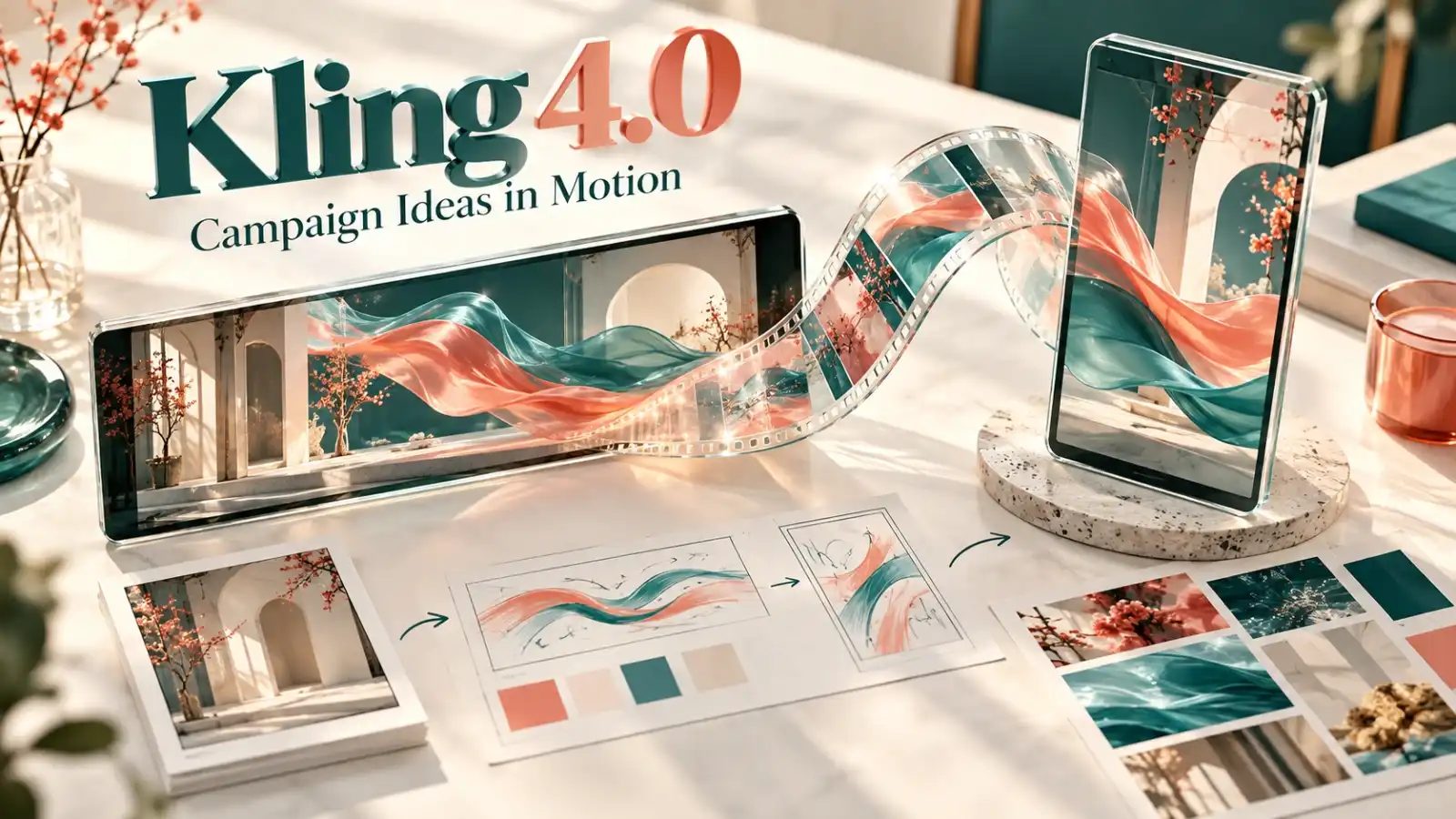
Retailers often already have a clear visual direction: a colour palette, a display image or an illustration made for the campaign. Those assets can explain the intended look more clearly than a new paragraph of instructions. JXP’s Reference to Video mode accepts suitable images and videos to guide generation.
The useful starting point is usually the visual part of the artwork, rather than a finished poster crowded with prices and small print. An image of flowing fabric, for example, could guide the atmosphere of a short animation. The team can describe the movement while the reference helps communicate the look.
This is guidance, not a guaranteed copy of the original design. Review the result for changes in colour, shapes and any recognisable product detail. Where an image must remain exact, the approved still may still be the right asset to publish.
The attraction is giving an existing creative direction another possible role. A campaign does not need an entirely different visual identity simply because one channel asks for video. Use approved source material where appropriate, and keep the final result recognisably connected to the wider campaign.
3. See a window-display idea in motion
A visual merchandising team may want to discuss how a display feels before it is installed. A static drawing shows the arrangement, but it says less about a slow reveal, a change of light or the way a scene draws the eye. A short generated concept can make that conversation easier.
For example, a retailer could explore an imagined window with suspended shapes and gentle movement behind the main display. A suitable design image can guide the setting. If the team has pictures for particular stages of a reveal, keyframes provide a separate route for guiding those moments.
The result is a creative sketch, not a technical installation plan. It does not establish whether a display will fit, how equipment should be mounted or what shoppers will see from every angle. Those decisions still belong with the people designing and building the window. The video helps communicate the proposed experience.
Decide where the clip will run
Retail teams exploring AI video for retail marketing should decide the destination before generating several versions. A wide visual for a presentation and a vertical social clip do not use the same composition. The available aspect-ratio controls help set the frame, but they do not remove the need to plan what sits inside it.
Keep the important subject visible and leave room for any message that will be added later. If you need both wide and vertical versions, plan and review each separately. A scene that works well in a broad frame may lose its point when the sides disappear.
For an in-store screen, give the finished file to the team responsible for playback. They can confirm the screen’s requirements and check the content in place. Generating a suitable-looking clip and delivering a working screen asset are related tasks, not the same task.
Keep the offer and the product facts clear
A generated visual is not evidence of a product feature. Use real footage when customers need to see a fastening, a material response or another detail that could affect a buying decision. An attractive scene must not make an item look as though it does something the real item cannot do.
Add prices, dates and offer terms in an editor where the retail team can check and update them. That also makes it easier to reuse an appropriate background when the promotion changes. The generated scene supplies the visual; the retailer remains responsible for the message.
A sensible first brief might be one teaser for an upcoming campaign or one moving window concept. Check the displayed credit estimate, make the clip and judge whether it has a useful place. Kling 4.0 offers retailers another creative option. It is most valuable when the team knows what that option is meant to achieve.

Terry Clark is the Publisher and Content Director of 365 Retail, with more than a decade of experience covering retail design, technology innovations, store openings and the wider retail industry. He also works closely with leading retailers, suppliers, agencies, events and industry awards across the UK.